
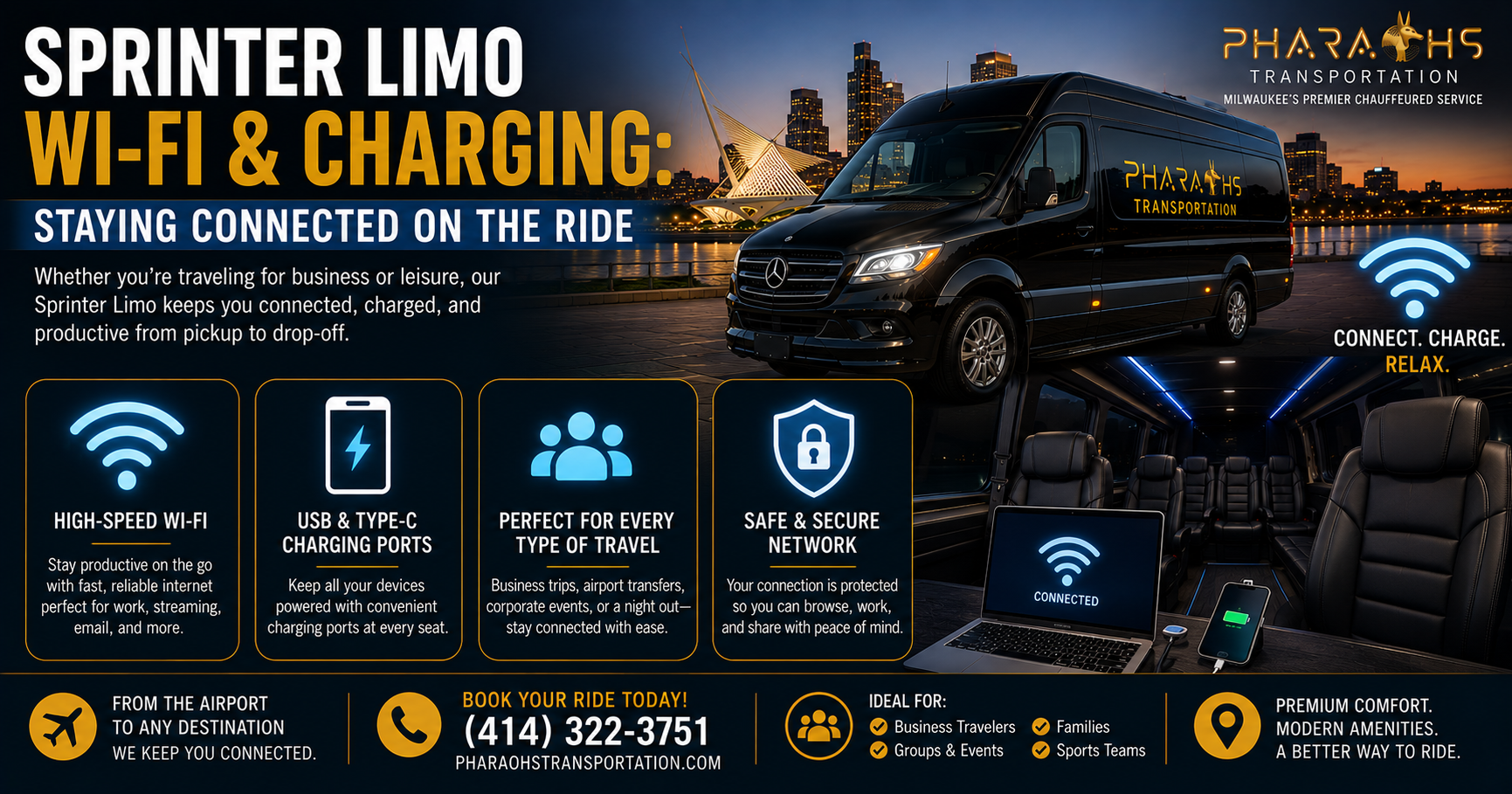
Sprinter Limo WiFi Charging MilwaukeeCharging ports are standard equipment on nearly every Sprinter limo built for corporate and group travel — USB-A, USB-C, and often 110V outlets are common. Wi-Fi availability varies by operator and vehicle, since it typically depends on an onboard hotspot device with an active data plan. If staying connected is important for your trip, always confirm Wi-Fi and charging specifics directly with your transportation provider before booking.
For business travelers, roadshow teams, and anyone who treats “windshield time” as work time, the question isn’t just “is the ride comfortable?” It’s “can I actually get things done back there?” Our Sprinter limo service in Milwaukee has the physical space to support real productivity — tables, forward-facing seating, outlets — but connectivity isn’t automatically guaranteed just because the vehicle looks premium. This guide breaks down what’s typically included, why it matters for corporate groups, how the seating layout supports (or limits) working en route, and what to ask before you book.
What’s Typically Included for Connectivity
Not every Sprinter limo is built the same way, and connectivity features can vary quite a bit between operators, vehicle age, and how the interior was customized. That said, there are a few things that have become close to standard in the corporate and executive segment of Sprinter conversions.
Charging Ports
Charging access is the one connectivity feature riders can reasonably expect to find in most Sprinter limos used for business travel. Common setups include:
- USB-A and USB-C ports built into side panels, console areas, or under-seat charging stations
- 110V household-style outlets, useful for laptops that need a full charge rather than a trickle from USB
- 12V auxiliary outlets, a holdover from standard automotive charging that some vehicles still include
- Multi-port charging hubs near table or bench seating, positioned so several passengers can charge devices at once without competing for a single outlet
Because Sprinter vans are built on a commercial chassis with more available power capacity than a stretched sedan or standard limousine, they’re generally well-suited to supporting multiple charging points throughout the cabin. Still, the exact number and placement of ports depends entirely on how that specific vehicle was outfitted — some are set up with a charging station every couple of seats, while more basic configurations might only offer one or two outlets total. If you’re comparing vehicle types for an upcoming trip, our Milwaukee executive limo service page breaks down how our sedans, SUVs, and Sprinters differ on interior amenities.
Wi-Fi
Wi-Fi is where things get more variable, and it’s worth understanding why. In-vehicle Wi-Fi on a Sprinter limo almost always comes from one of two sources:
- A dedicated onboard hotspot device — a small unit installed in the vehicle that connects to cellular data networks (similar to how a mobile hotspot works in a car) and broadcasts a local Wi-Fi signal to passengers.
- A tethered hotspot from a driver’s or company phone, which is less reliable and less common for professional operators but does happen with smaller or less-equipped fleets.
Neither of these is a given. Some operators equip every vehicle in their fleet with a dedicated hotspot and treat it as a selling point; others only install one on request, or don’t offer it at all. Signal quality also depends on the cellular coverage along your route — a hotspot that works perfectly downtown may lose strength on rural highway stretches between cities.
Because of this variability, Wi-Fi is one of the few amenities where it genuinely pays to ask directly rather than assume. A vehicle that looks fully loaded with leather seating, mood lighting, and a premium sound system won’t necessarily have Wi-Fi unless it was specifically built in or requested.
How Onboard Wi-Fi Actually Performs
Even when a Sprinter limo does have a dedicated hotspot installed, performance isn’t uniform across an entire trip, and it’s worth understanding the variables so expectations line up with reality:
- Cellular coverage along the route. A hotspot is only as good as the signal it’s pulling from. Dense urban stretches near downtown Milwaukee or a metro area typically deliver strong, consistent speeds. Rural highway segments — the kind you’ll hit on a longer trip toward Madison, Green Bay, or across state lines — can see signal dip in and out, the same way a personal phone would in those areas.
- Number of connected devices. A hotspot shared across a full Sprinter of eight, ten, or more passengers, each with a phone and a laptop, is splitting bandwidth many more ways than a two-person sedan ride. For light browsing and email, that’s rarely noticeable. For video calls or large file uploads with the whole group connected at once, it can matter.
- Data plan and carrier. Onboard hotspot units run on standard cellular data plans, the same infrastructure your phone uses. A unit on a stronger carrier network, or one with a higher-tier data plan, will generally perform more consistently than a budget setup.
- Vehicle age and hardware. Newer hotspot hardware supports faster cellular standards. An operator who’s updated their equipment recently will typically offer a noticeably better connection than one running older units.
None of this means Wi-Fi in a Sprinter limo is unreliable — for most in-city and regional trips, a properly equipped vehicle delivers a perfectly usable connection for email, browsing, messaging, and even most video calls. It just means “does the limo have Wi-Fi” and “will the Wi-Fi hold up for my specific trip” are two different questions, and it’s the second one that actually matters when you’re planning to work.
Device Compatibility
One advantage of onboard Wi-Fi over relying on a personal hotspot is that it doesn’t draw down your own phone’s battery or data plan, and it lets every passenger connect a laptop, tablet, or phone without needing separate credentials for each device. Most onboard units broadcast a standard Wi-Fi network name and password, the same as a home router, so connecting is no different from joining Wi-Fi at a hotel or coffee shop — no app, no special setup, and no need to tether to another passenger’s phone.
Other Connectivity-Adjacent Features
A few additional features tend to show up alongside charging and Wi-Fi in higher-end Sprinter builds, and while they’re not “connectivity” in the strict sense, they support the same goal of staying productive or in touch during the ride:
- Bluetooth audio connectivity, letting passengers take calls through the vehicle’s sound system
- Privacy partitions, useful for confidential calls between the passenger cabin and driver area
- Interior lighting with adjustable brightness, which matters more than people expect when you’re trying to read a screen or a document during a daytime or evening ride
- Climate zones, which don’t affect connectivity directly but do affect how comfortably someone can sit and work for an extended ride
For travelers who want the full spec sheet before booking, our executive Sprinter jet limo page lists interior features vehicle by vehicle so you can confirm exactly what’s on board before your trip.
How to Confirm Wi-Fi & Charging Before You Book
Because connectivity features vary so much between vehicles and operators, the safest approach is a short pre-booking checklist rather than an assumption. A few direct questions will tell you almost everything you need to know:
- “Does this specific vehicle have a working Wi-Fi hotspot?” Not “does your fleet have Wi-Fi” — ask about the exact vehicle you’ll be riding in, since not every unit in a fleet is necessarily equipped the same way.
- “How many charging ports are there, and what type?” USB-A, USB-C, and 110V outlets all serve different devices. If your team is traveling with laptops that need a full plug rather than a USB trickle charge, confirm 110V access specifically.
- “Is there table seating, and how many people does it seat comfortably?” This matters more than it sounds — a table built for two doesn’t help a six-person team trying to review a deck together.
- “What’s the route, and is coverage generally reliable along it?” An honest operator who runs the route regularly will usually know where signal tends to be strong or weak.
- “Can I get this confirmed in writing or in my booking confirmation?” For high-stakes trips — an investor roadshow, a board meeting transfer — having the specifics confirmed ahead of time avoids any surprises on the day.
Asking these questions takes less than a minute on a booking call, and it turns “I assume this will work” into “I know this will work,” which is exactly the difference that matters when a client or executive is depending on that ride to be productive.
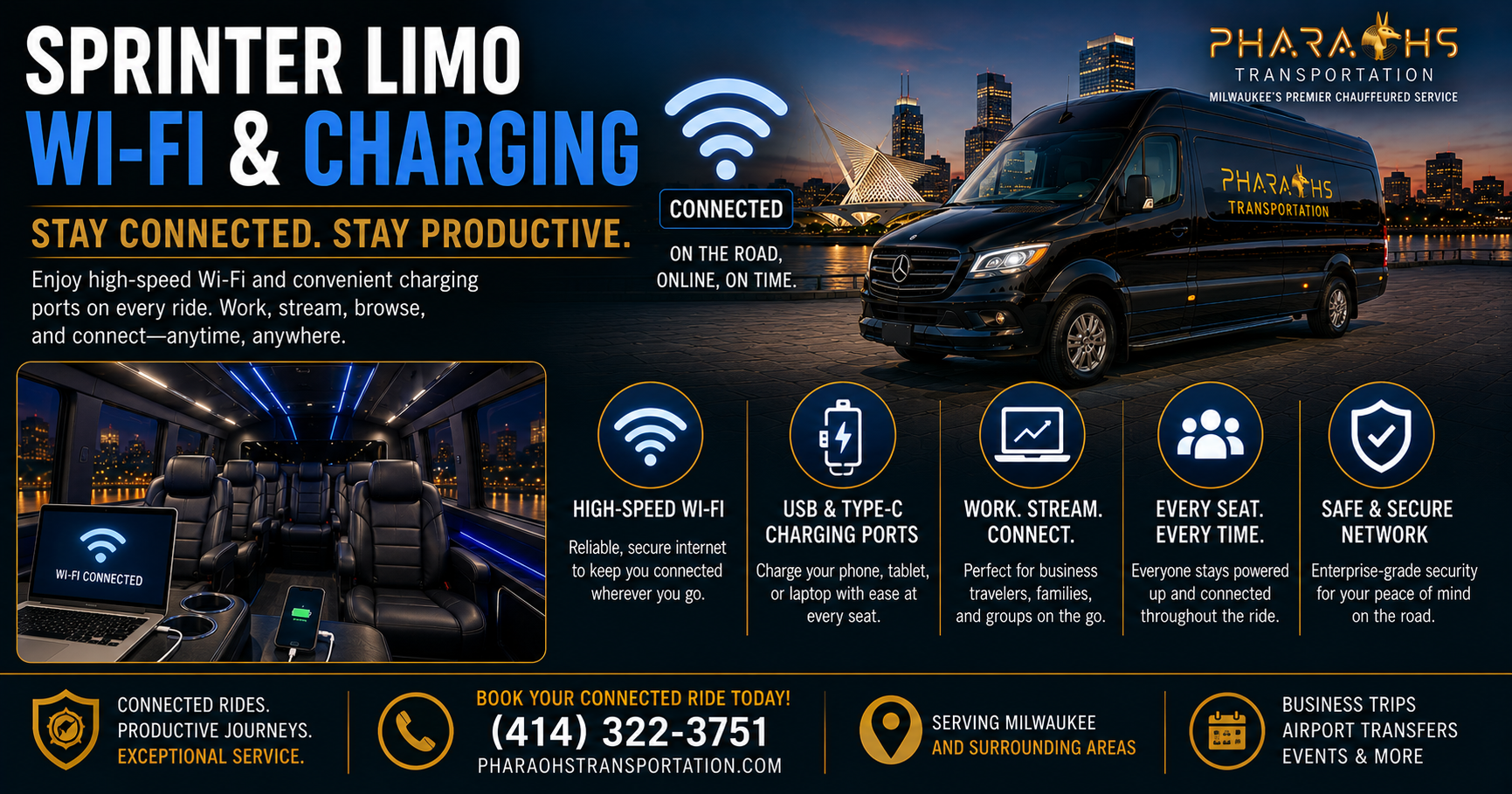
Why This Matters for Corporate Groups & Roadshows
For leisure travel, spotty Wi-Fi is an inconvenience. For corporate groups, it can directly affect whether a trip accomplishes what it’s meant to.
Roadshows Run on Tight, Connected Schedules
Investor roadshows, sales tours, and multi-stop client visits are built around back-to-back meetings, and the travel time between stops is often the only window a team has to prep, debrief, or handle other business. A team riding between four meetings in a single day doesn’t have the luxury of treating that transit time as downtime — it’s often when calls get returned, decks get finalized, and next-meeting notes get reviewed. When a Sprinter limo is outfitted with working Wi-Fi and enough charging access for a full team’s laptops and phones, that transit time becomes usable time instead of dead time. For a deeper look at how multi-stop business travel is typically structured in the region, see our Wisconsin corporate & executive chauffeur guide, which covers airports, roadshows, and recurring business travel.
Group Travel Means Competing Device Needs
A sedan or standard limo might only need to support one or two devices charging at once. A Sprinter limo, by contrast, is often moving a full team — sometimes eight, ten, or more people — all of whom may need to charge a phone, a laptop, or both during the ride. This is exactly why charging port placement matters more in a Sprinter limo than in smaller vehicles: without enough outlets distributed through the cabin, passengers end up rationing access or falling back on a single shared charger, which defeats the purpose. If your team needs a vehicle on standby for a full day of meetings rather than a single point-to-point trip, our hourly limo rental service keeps the same Sprinter — and the same charging setup — with you between every stop.
First Impressions for Client-Facing Travel
When a Sprinter limo is transporting clients, executives, or partners rather than just an internal team, connectivity becomes part of the overall impression the trip leaves. A rider who steps into a vehicle expecting to send a quick email before a meeting and finds no working Wi-Fi and no accessible outlet is left with a small but noticeable gap between expectation and experience. For companies that use ground transportation as an extension of their client hospitality, confirming these details in advance is a small step that avoids an avoidable letdown. Our executive black car service and Sprinter fleet are both built around this same standard of discreet, professional client transportation.
Beyond Roadshows: Other Groups That Depend on Connectivity
Roadshows get most of the attention when connectivity comes up, but they’re far from the only use case where a working Wi-Fi and charging setup changes how a trip goes:
- Legal teams traveling to depositions or hearings often need last-minute access to case files or research en route, and a dead phone or laptop before walking into a hearing room isn’t an option.
- Conference and convention attendees frequently use transit time between the airport and venue to review speaker notes, finalize slides, or catch up on messages before badge pickup.
- Political and campaign teams running multi-stop days between events depend on connectivity to keep staff, press, and scheduling coordinated in real time.
- Wedding and event planning coordinators, while not a typical “corporate” use case, often use group transit time to confirm timelines, vendor details, or last-minute changes with a phone that needs to stay charged all day.
- Sales and account teams doing multi-client days — several meetings across a metro area in one trip — rely on the ride between stops to log notes, send follow-ups, or prep the next pitch.
The common thread across all of these is the same: the vehicle isn’t just transportation, it’s a working space between destinations. The more that space supports actual work, the less a busy day feels like it’s fighting the schedule instead of running on it.
Confidentiality Considerations
It’s also worth noting that in-vehicle Wi-Fi, while convenient, isn’t always appropriate for sensitive work. Teams handling confidential deal terms, financial data, or unreleased materials during a roadshow may prefer to rely on personal hotspots or offline work rather than a shared vehicle network, particularly if multiple passengers or a driver-facing partition separate work areas within the same cabin. This is less a limitation of the vehicle and more a normal data-security practice worth factoring into how a team plans its in-transit work.
Working En Route — Seating & Table Space
Connectivity is only half of what makes a Sprinter limo workable as a mobile office. The other half is whether the seating layout actually supports sitting down and doing focused work, rather than just riding comfortably.
Forward-Facing vs. Perimeter Seating
Many limo-style vehicles, including some Sprinter conversions, use perimeter (bench-style, wraparound) seating designed more for group conversation and lounge-style riding than for individual work. That layout is great for a celebratory ride, but less practical for someone trying to type on a laptop, since there’s often no stable surface directly in front of each seat.
Sprinter limos built with corporate travel in mind more frequently include at least some forward-facing seating, sometimes arranged around a central table or console. This layout mirrors a small conference room or a train’s business-class cabin, and it’s the configuration that actually supports opening a laptop, spreading out documents, or taking notes without balancing everything on your knees.
Table Space
Table space is one of the more underrated features when it comes to actually getting work done in a moving vehicle. A fixed or fold-out table gives passengers:
- A stable surface for a laptop, rather than a lap or a seat cushion
- A place to lay out printed materials, contracts, or notes during a debrief
- A shared surface for two or three team members to review something together
- A practical spot to set a phone while it charges, keeping cords and devices from sliding around during the ride
Not every Sprinter limo includes a table — some are built with individual tray-style surfaces per seat, and others rely on open lap space only. If working during the ride is a priority for your trip, it’s worth asking specifically whether the vehicle has table seating and how many people it comfortably accommodates.
Multi-Stop and Multi-Day Trips
For trips that involve several stops in a single day — a roadshow hitting three or four meetings, or a conference itinerary bouncing between a hotel, a venue, and an airport — the working setup inside the vehicle matters more with each additional leg. A team that can genuinely work between stop one and stop two arrives at stop two already prepared, rather than needing another ten minutes to get organized after getting out of the vehicle.
Over a full day with multiple legs, that adds up to real time saved, not just comfort gained. This is also where charging becomes less optional and more essential: a phone or laptop that starts the day at 100% can easily be down to single digits by the third or fourth stop if there’s no way to top it up in between.
Lighting and Noise
Two additional factors affect how workable a ride actually is: interior lighting and cabin noise. Reading a screen in dim, mood-style lighting designed for a night-out atmosphere is harder than it sounds, and a vehicle with strong sound insulation makes a real difference for anyone taking a call en route. These aren’t usually listed as “amenities” in a vehicle spec sheet, but they affect the working experience just as much as Wi-Fi or an outlet does.
Matching the Vehicle to the Purpose
The overall takeaway is that not every Sprinter limo is configured the same way, because they’re built for different use cases — a birthday or wedding party, an airport group transfer, and a corporate roadshow all call for different interior priorities. A vehicle optimized for a celebratory night out may prioritize lounge seating, lighting effects, and sound systems over table space and outlet density. A vehicle optimized for business travel typically flips those priorities. Telling your chauffeur service provider up front that the trip is work-focused helps them match you with the right vehicle configuration rather than whatever happens to be available.
Sprinter Limo vs. Other Vehicles for Staying Connected
It’s worth stepping back and comparing how a Sprinter limo stacks up against other common options for business travel, since connectivity needs often factor into which vehicle type actually makes sense for a given trip.
Sedans and standard executive cars: are built for one to three passengers, and connectivity in these vehicles usually comes down to a single charging port or two, with Wi-Fi being far less common simply because the use case — a solo traveler or a small group headed to one meeting — doesn’t usually demand it. For a quick point-to-point ride, this is rarely a problem; a rider can lean on a personal hotspot for the short duration of the trip.
Standard SUVs: seating five to six, sit in a middle ground. Some executive-tier SUVs include a charging port or two in the rear seating area, but table space and multi-device charging setups are far less common than in a purpose-built group vehicle, simply because the interior wasn’t designed around a team working together.
Stretch limousines: are often built with entertainment and lounge-style riding as the priority — mood lighting, sound systems, and perimeter seating meant for celebration rather than productivity. Wi-Fi and multi-port charging aren’t unheard of in this category, but the overall interior layout tends to work against focused work, since there’s rarely a stable table surface for a full group.
Sprinter limos: by comparison, are the vehicle category most likely to be purpose-built for larger groups that need to stay connected and productive, because the platform itself has more interior space and power capacity to work with. That’s exactly why Sprinter vans have become the default choice for corporate teams, roadshows, and group business travel that spans multiple meetings in a single day — the vehicle type was built to support that kind of use case in the first place, rather than having connectivity retrofitted as an afterthought.
None of this means a Sprinter limo is automatically the better choice for every trip — a two-person meeting doesn’t need a 14-passenger vehicle, and our Milwaukee SUV limo service or standard sedans cover smaller groups perfectly well. The point is simply that when a trip involves a full team that needs to stay charged, connected, and working between stops, the Sprinter category is generally the one built with that need in mind from the start.
Frequently Asked Questions
Does a Sprinter limo have Wi-Fi?
Some do, some don’t — it depends on the vehicle and the operator. Wi-Fi typically comes from an onboard hotspot device connected to a cellular data plan, and not every vehicle in a fleet is equipped with one. Even when a hotspot is installed, connection quality can shift with route and coverage, so it’s worth thinking of it as “generally available and generally reliable” rather than guaranteed end-to-end. If Wi-Fi is important for your trip, confirm directly with the provider when booking rather than assuming it’s included.
Are charging ports standard in Sprinter limos?
Charging access — usually a mix of USB-A, USB-C, and sometimes 110V outlets — is common in Sprinter limos built for corporate or group travel, since the platform has more available power capacity than a standard limousine. That said, the number and placement of ports varies by vehicle, so it’s worth asking how many outlets are available if you’re traveling with a full team, especially if everyone will need to charge a laptop rather than just a phone.
Can I work on a laptop during the ride?
It’s possible in many Sprinter limos, especially those with forward-facing seating and table space. Vehicles built more for lounge-style group riding may not offer a stable work surface, so it helps to specifically ask about seating layout and table availability if working en route is a priority. If your trip involves several passengers all working at once, ask how many people the table or work surface comfortably fits, not just whether one exists.
Is in-vehicle Wi-Fi secure enough for confidential work?
Shared vehicle Wi-Fi is convenient but not necessarily built with the same security standards as a corporate network. Teams handling sensitive deal information often prefer a personal hotspot or offline work for that reason. This is a general data-security practice rather than a specific limitation of any one vehicle — the same caution most people already apply to public Wi-Fi at a coffee shop or airport lounge applies here too.
How do I make sure my Sprinter limo has the connectivity features I need?
The most reliable approach is to ask directly when booking: confirm whether the vehicle has a working onboard Wi-Fi hotspot, how many charging ports are available and where they’re located, and whether the seating includes a table or forward-facing arrangement suited to working. Letting your provider know the trip is point-to-point or business-focused helps them recommend the right vehicle for the job, rather than assigning whichever Sprinter happens to be free.
Does Wi-Fi and charging cost extra, or is it included in the rental?
This depends entirely on the operator’s pricing structure. Some providers build connectivity features into the standard rate for their corporate or executive vehicles, while others treat a Wi-Fi hotspot as an add-on for specific bookings. Since this varies, it’s worth asking whether connectivity is included in your quoted rate or billed separately, particularly for hourly rentals where the vehicle stays with your group for an extended period.
What happens if the Wi-Fi drops during my ride?
Because onboard Wi-Fi relies on cellular data, brief drops are possible in areas with weaker signal, the same as they would be on a personal phone. Most professional operators treat this as a known limitation rather than a guarantee-breaker, and it’s one more reason experienced business travelers often keep a personal hotspot as backup for anything time-sensitive, rather than relying solely on the vehicle’s connection.
Do I need to request Wi-Fi and charging in advance, or is it automatic?
It depends on the operator, but requesting it in advance is always the safer move. Some companies equip their entire corporate and Sprinter fleet with connectivity features as a default, while others reserve certain vehicles for connectivity-focused bookings and assign them based on what’s requested at the time of reservation. Mentioning that your trip involves work — a roadshow leg, a multi-stop business day, or a team that needs to stay online — helps the dispatcher match you with a vehicle that’s actually equipped for it, rather than leaving it to chance on the day of the ride.
Ready to Book a Connected Ride?
Whether you’re coordinating a roadshow, a client visit, a multi-city trip on our long-distance car service, or a team offsite, the right Sprinter limo should keep your group moving and working without missing a beat. Reach out to confirm Wi-Fi, charging, and seating details for your trip, and check out our Milwaukee Sprinter Limo page for vehicle specs and availability in your area, or book online directly.